About this Viral Editing Resource
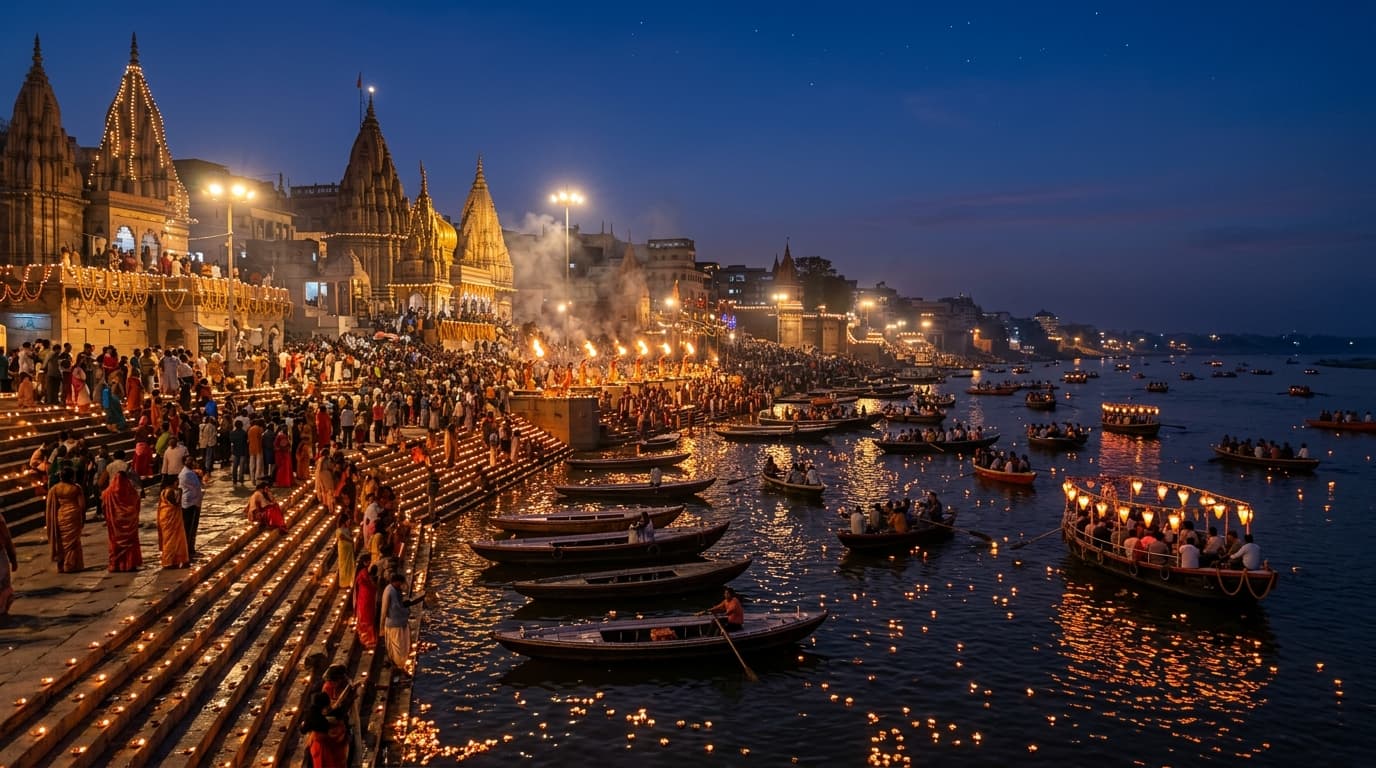
The ultimate cinematic grading preset for holy river ghats and temple night photography. Contrasts deep twilight river blues against thousands of warm golden earthen lamps.
In recent social media trends across Instagram Reels, TikTok, and YouTube Shorts, creators using this exact style have experienced massive reach and algorithmic engagement. Below you will find the complete workflow, one-click prompts, and free downloadable assets.
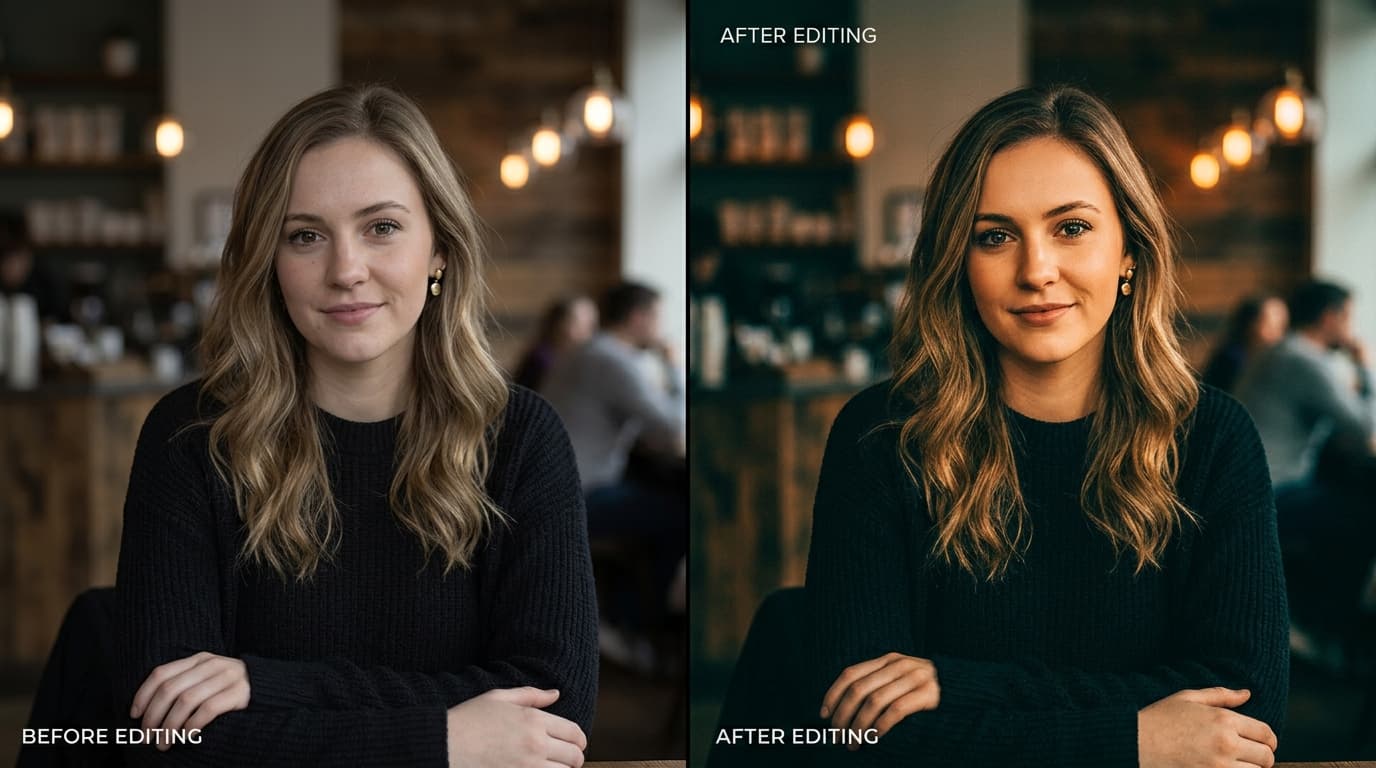
Before vs After Color Grading Preset
Step-by-Step Tutorial Workflow
Step 1: Download the DNG File
Download the raw DNG preset onto your phone or laptop.
Step 2: Copy Preset Settings
Import into Lightroom, tap 'Copy Settings' from the menu.
Step 3: Paste on Dusk / Night Ghat Photos
Paste settings onto your travel photos taken during dusk or night for a high-end National Geographic look.
LuminaEdit VIP Alerts
⚡ 48K+ Active EditorsInstant VN & AI Prompts
🔥 65K+ CreatorsFrequently Asked Questions
Common questions about this editing prompt and workflow.
Yes! It is optimized for any large-scale Indian temple, ghat, and oil diya illumination night photography.