About this Viral Editing Resource
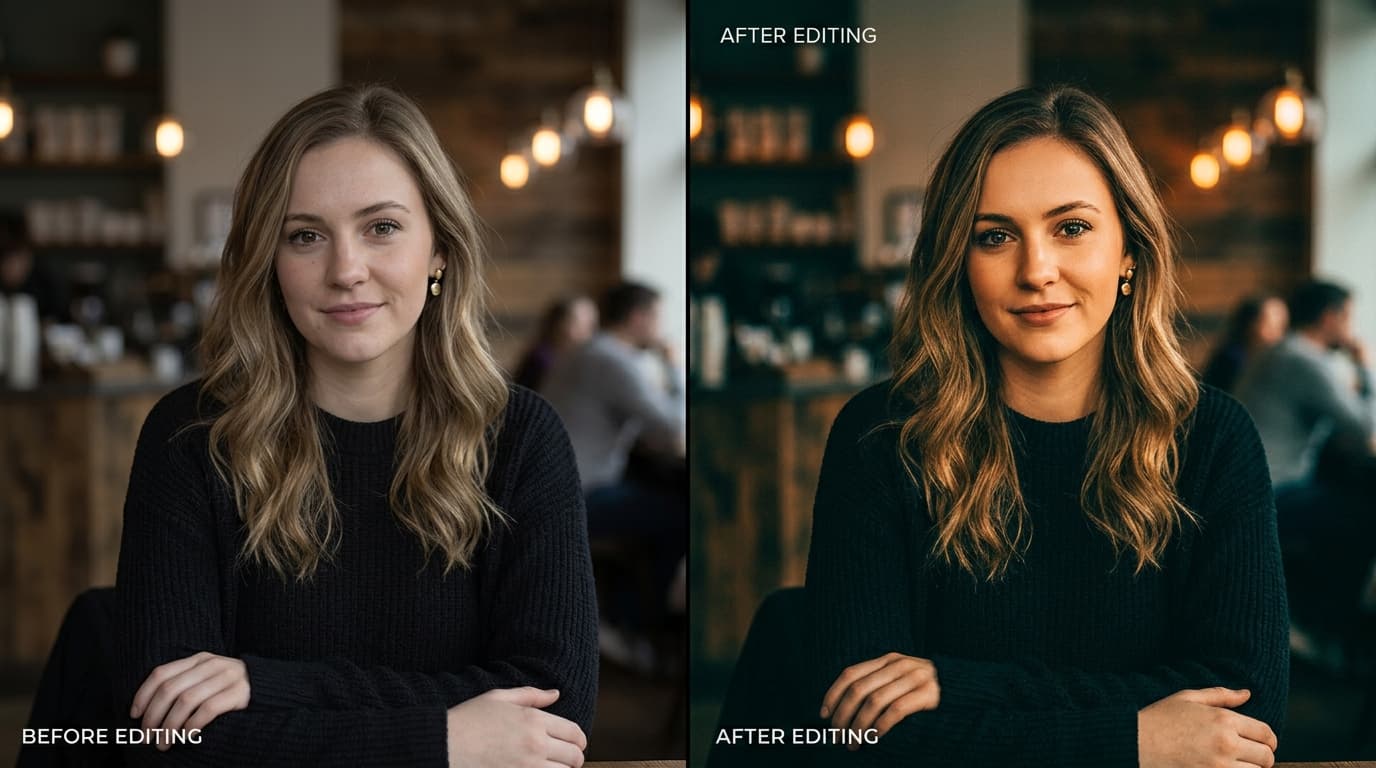
Transform ordinary photos into cinematic magazine-quality portraits with rich golden shadows, muted greens, and skin-tone perfection.
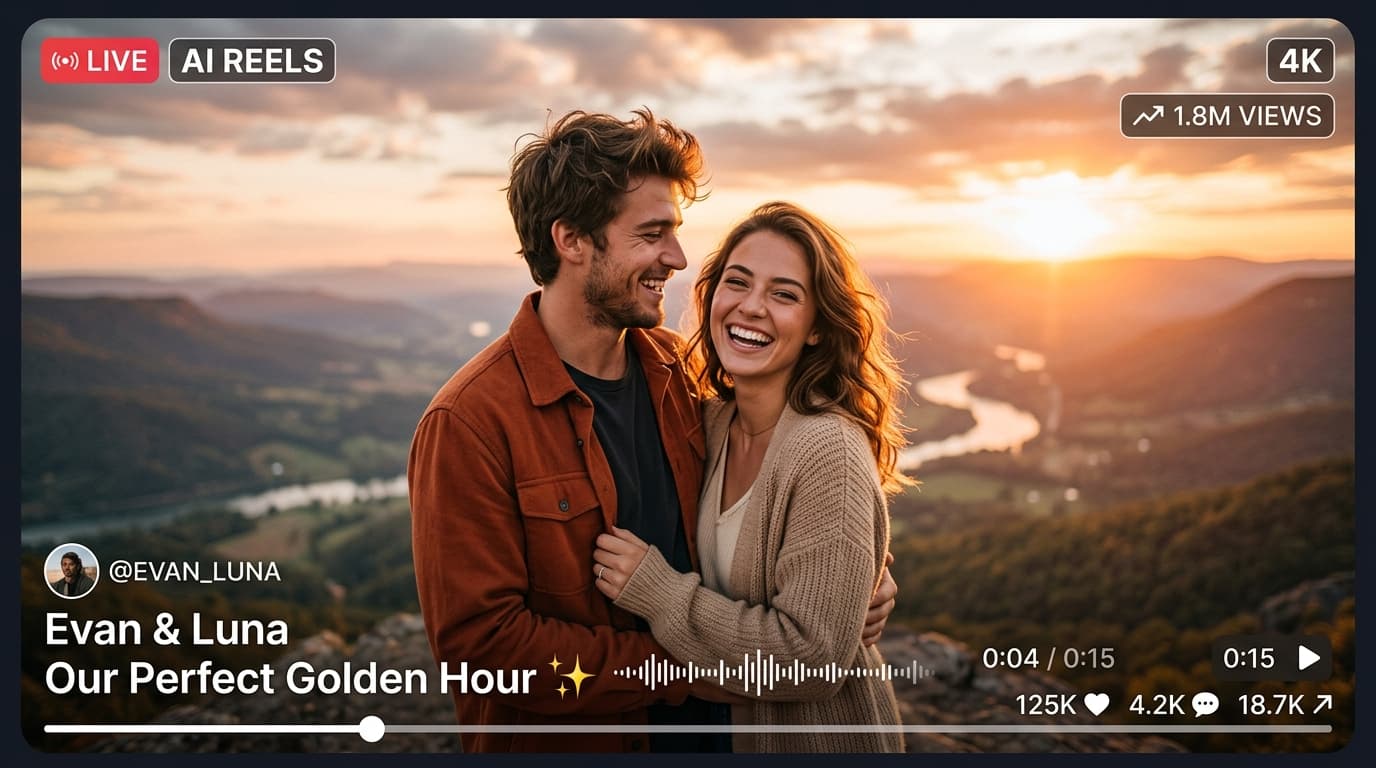
In recent social media trends across Instagram Reels, TikTok, and YouTube Shorts, creators using this exact style have experienced massive reach and algorithmic engagement. Below you will find the complete workflow, one-click prompts, and free downloadable assets.
Before vs After Color Grading Preset
Step-by-Step Tutorial Workflow
Step 1: Download the DNG File
Click the download button below. Save the DNG file directly into your mobile gallery or Files app.
Step 2: Import into Lightroom Mobile
Open Lightroom Mobile, tap Add Photo, select the downloaded DNG image.
Step 3: Copy & Save Settings
Tap the three dots in the upper right corner, choose 'Copy Settings', then open your own photo and tap 'Paste Settings'.
Step 4: Quick Adjustments
For darker portraits, tweak exposure by +0.30 and warm up temperature slightly to match your lighting condition.
LuminaEdit VIP Alerts
⚡ 48K+ Active EditorsInstant VN & AI Prompts
🔥 65K+ CreatorsFrequently Asked Questions
Common questions about this editing prompt and workflow.
Yes, our .DNG presets work 100% on the free version of Adobe Lightroom Mobile without any premium subscription required.