About this Viral Editing Resource
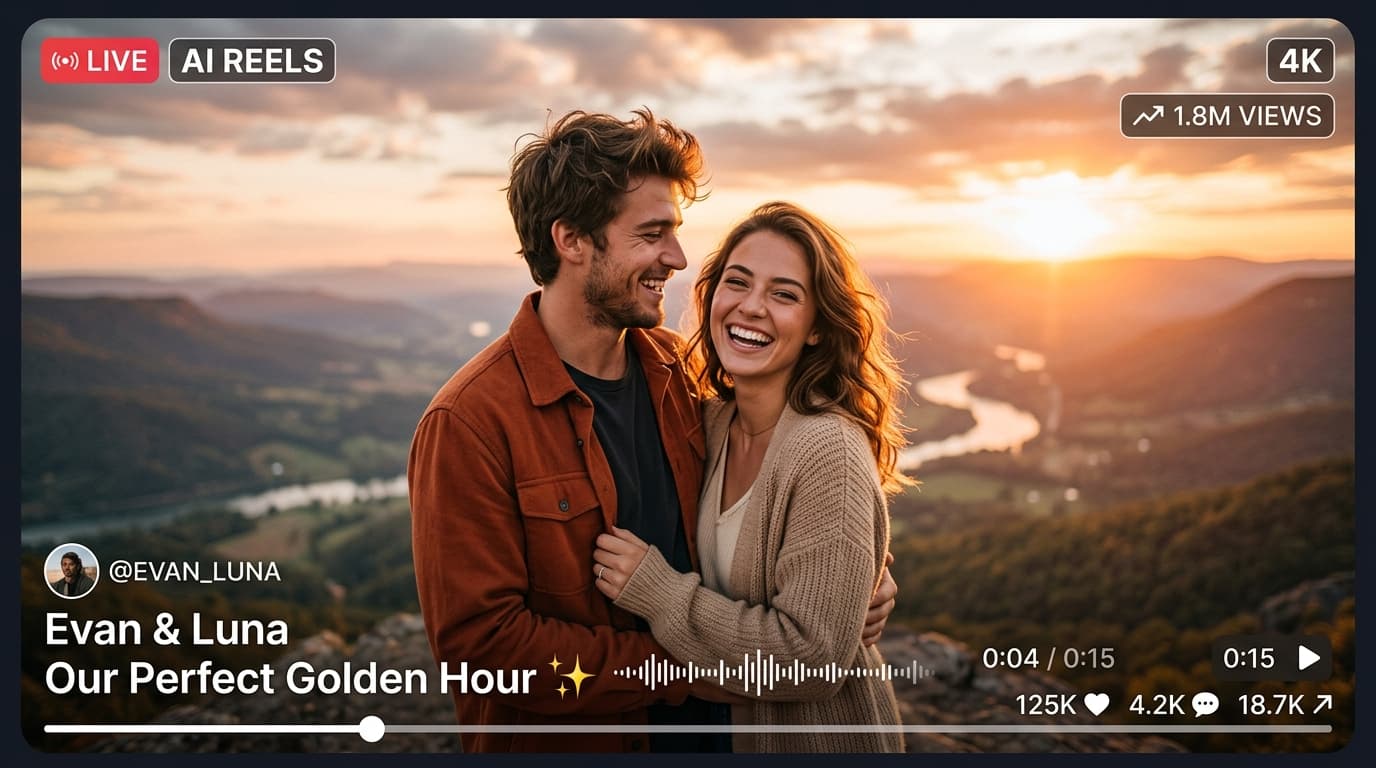
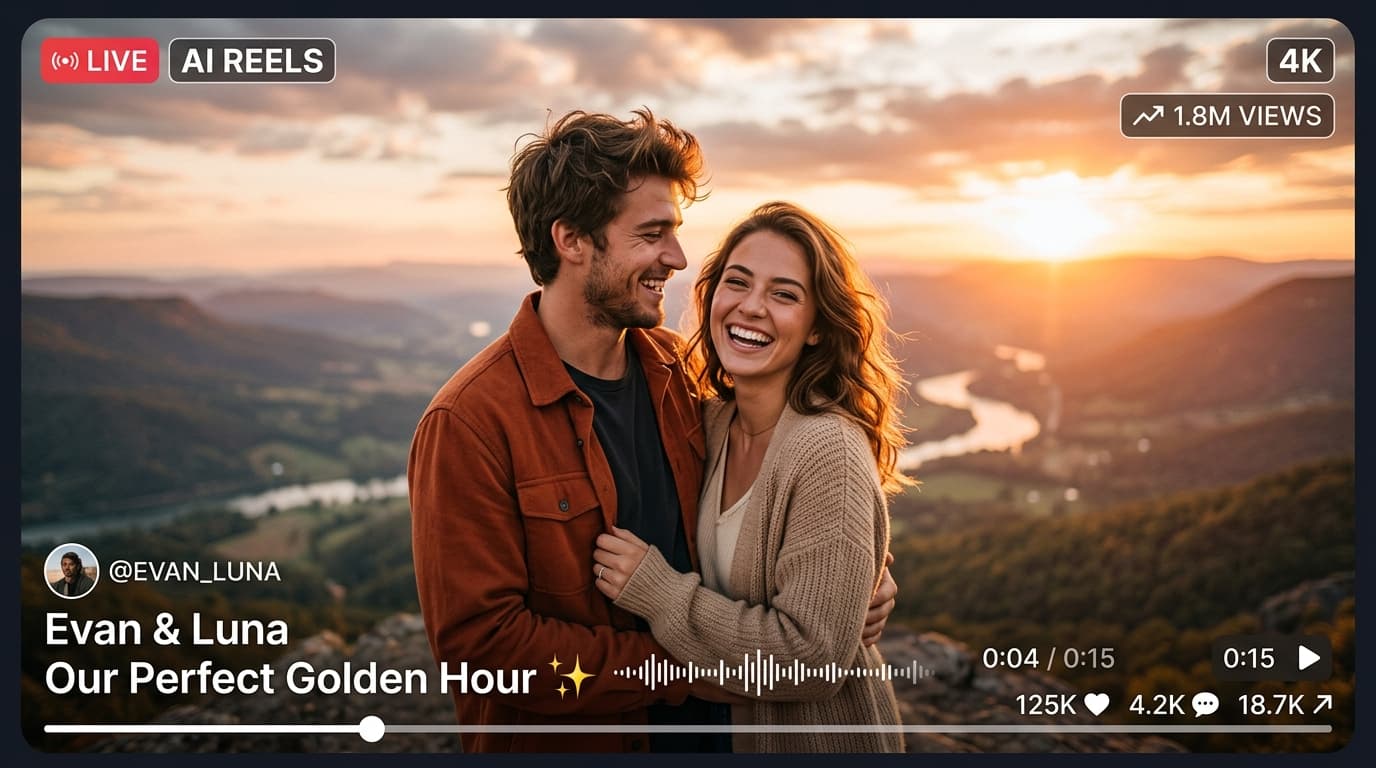
5-in-1 Master bundle of the most viral Instagram Lightroom mobile presets: Moody Dark, Urban Teal & Orange, Golden Hour, Clean Portrait, and Cinematic Film.
In recent social media trends across Instagram Reels, TikTok, and YouTube Shorts, creators using this exact style have experienced massive reach and algorithmic engagement. Below you will find the complete workflow, one-click prompts, and free downloadable assets.
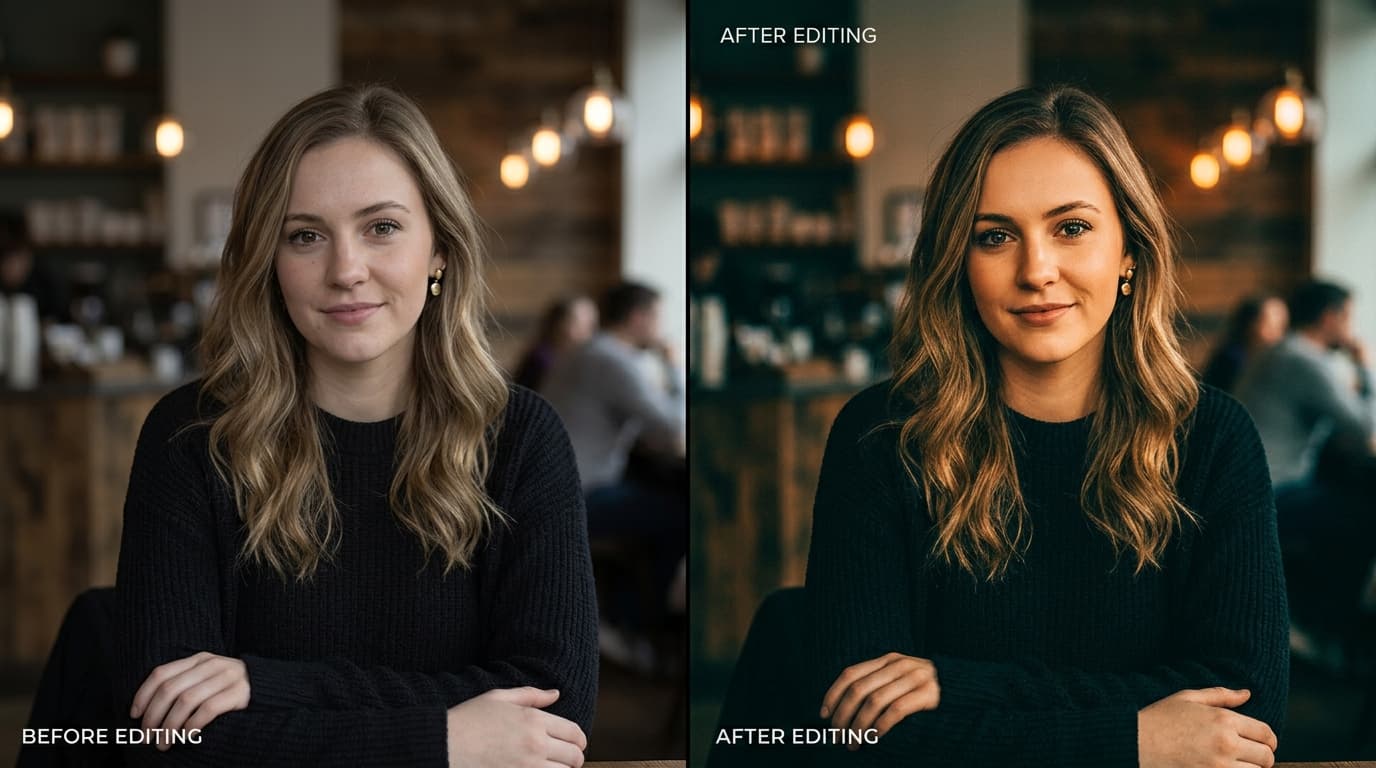
Before vs After Color Grading Preset
Step-by-Step Tutorial Workflow
Step 1: Download Master Pack
Download the bundle containing all 5 distinct DNG presets.
Step 2: Import into Lightroom
Import all 5 DNGs into a 'Master Presets' album in Lightroom.
Step 3: Test on Different Lighting
Use Moody Dark for night/street, Golden Glow for sunset, and Teal & Orange for travel.
Step 4: Save as User Presets
Save each one as a named preset for 1-tap application on any future photo!
LuminaEdit VIP Alerts
⚡ 48K+ Active EditorsInstant VN & AI Prompts
🔥 65K+ CreatorsFrequently Asked Questions
Common questions about this editing prompt and workflow.
Yes, both DNG and XMP files are included for full desktop and mobile compatibility.