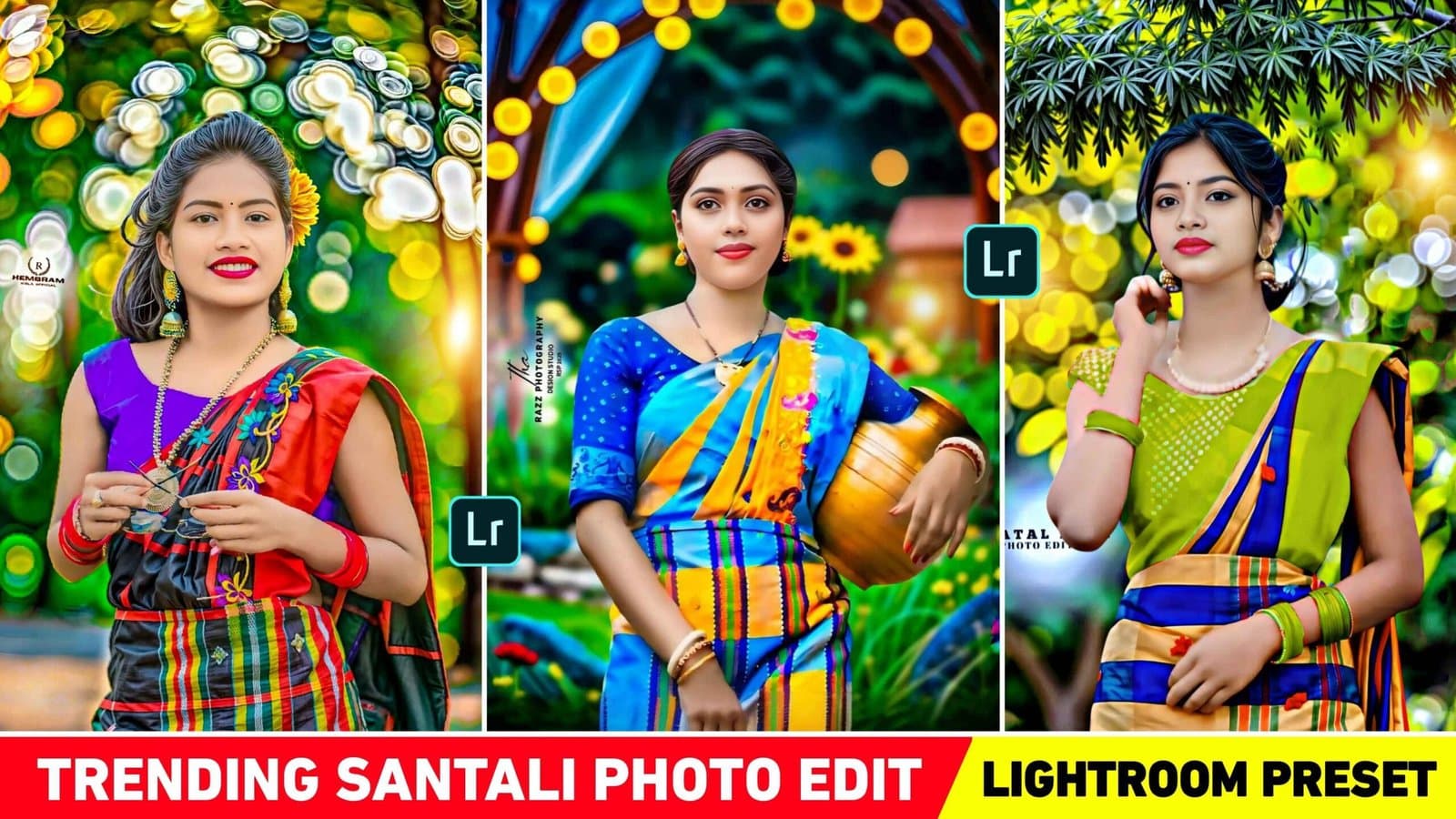
About this Viral Editing Resource
Trending Santali and Nagpuri style outdoor portrait preset featuring rich emerald green foliage, warm natural skin tones, and soft highlight roll-off.
In recent social media trends across Instagram Reels, TikTok, and YouTube Shorts, creators using this exact style have experienced massive reach and algorithmic engagement. Below you will find the complete workflow, one-click prompts, and free downloadable assets.
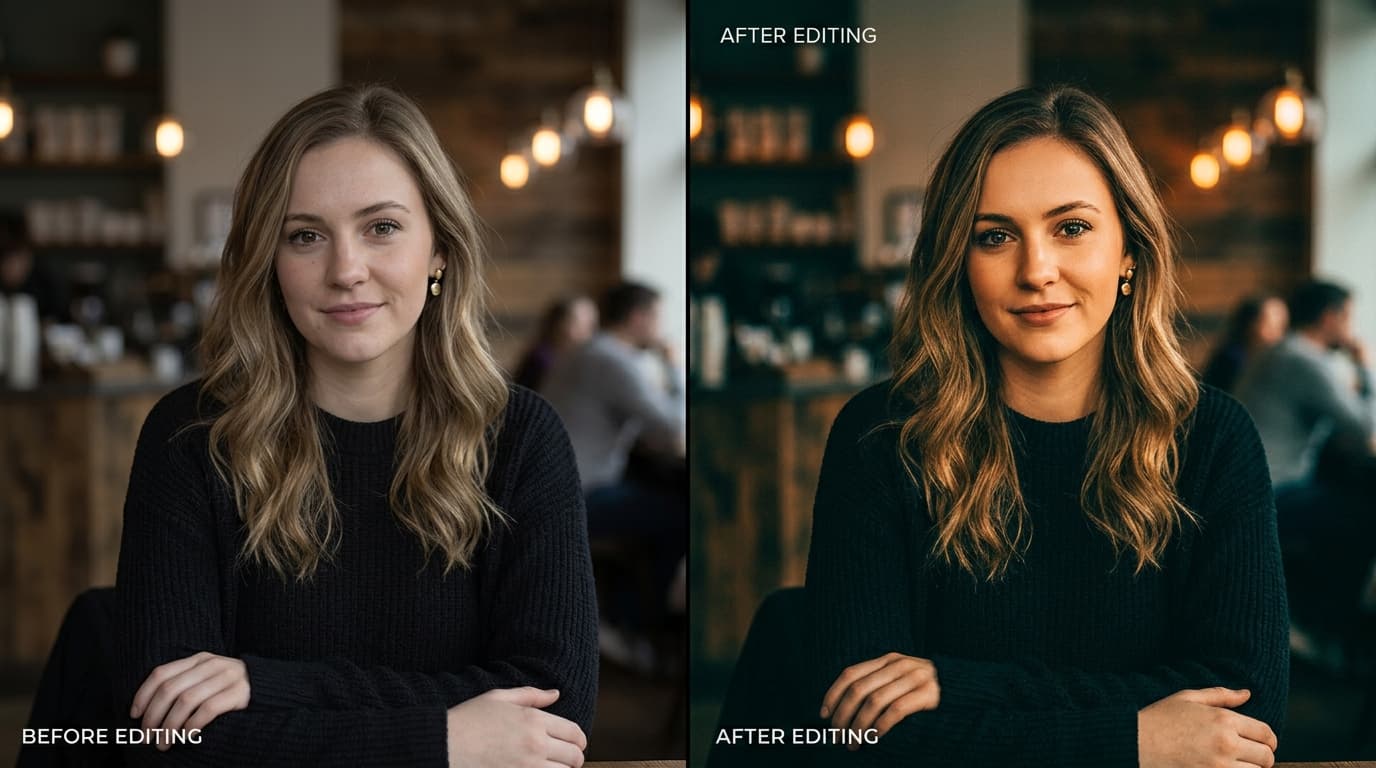
Before vs After Color Grading Preset
Step-by-Step Tutorial Workflow
Step 1: Download DNG Preset
Click Download below to save the verified DNG preset file.
Step 2: Open in Lightroom Mobile
Import the DNG file into Lightroom Mobile like any normal photo.
Step 3: Copy & Paste Settings
Tap the 3 dots in top-right, choose 'Copy Settings', then open your photo and tap 'Paste Settings'.
Step 4: Adjust Exposure
Slightly adjust exposure slider if your original photo was captured in bright midday sun.
LuminaEdit VIP Alerts
⚡ 48K+ Active EditorsInstant VN & AI Prompts
🔥 65K+ CreatorsFrequently Asked Questions
Common questions about this editing prompt and workflow.
Yes, it works directly in the free version of Adobe Lightroom without any subscription.