About this Viral Editing Resource
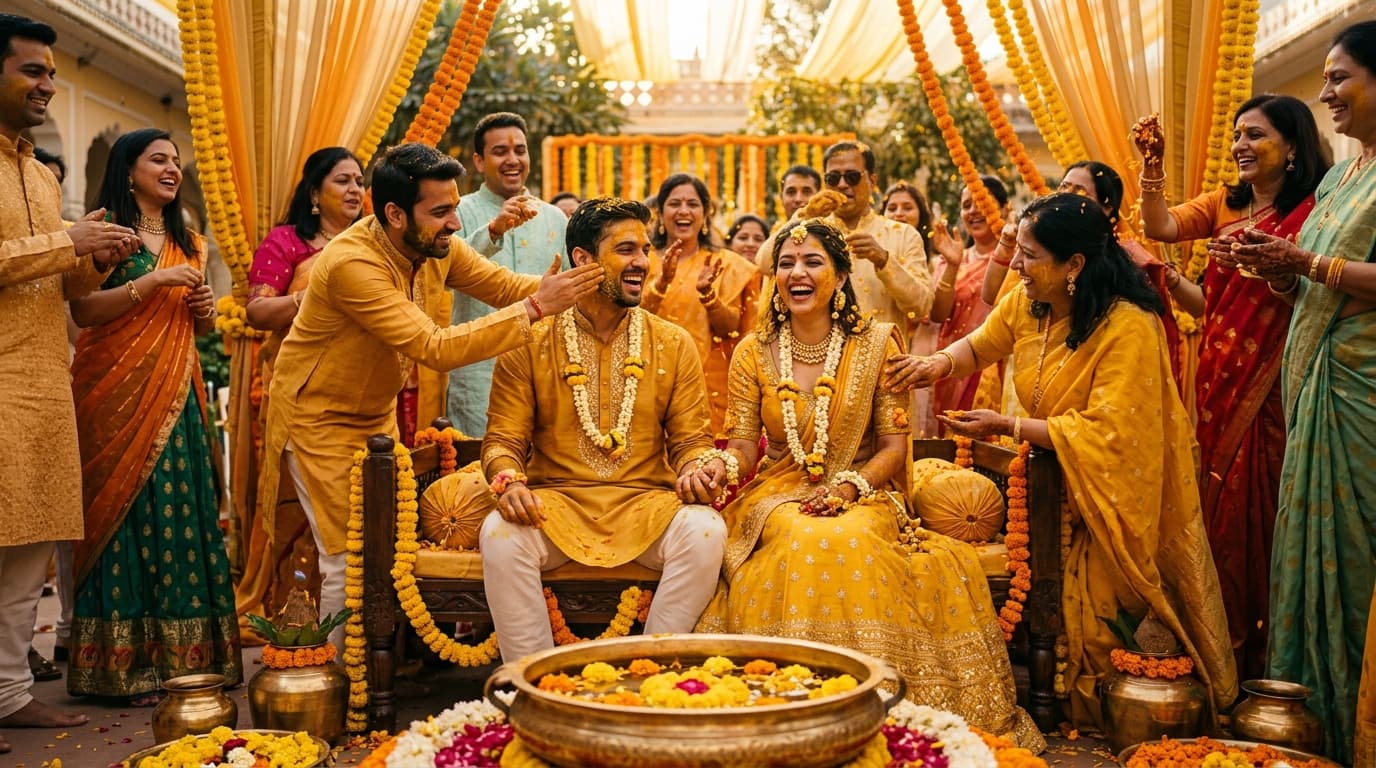
Specifically balanced for Indian skin tones surrounded by bright yellow turmeric and marigold garlands, preventing oversaturated skin while boosting festive warmth.
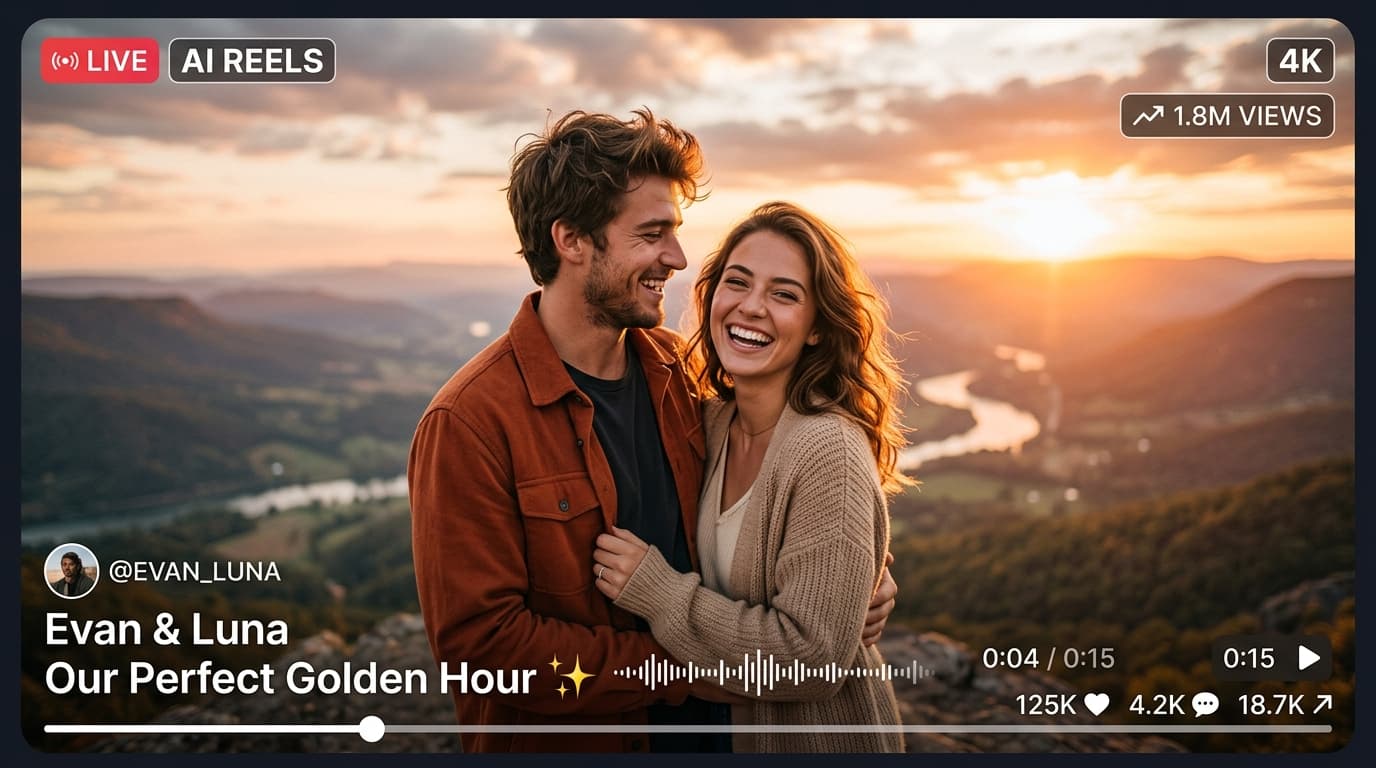
In recent social media trends across Instagram Reels, TikTok, and YouTube Shorts, creators using this exact style have experienced massive reach and algorithmic engagement. Below you will find the complete workflow, one-click prompts, and free downloadable assets.
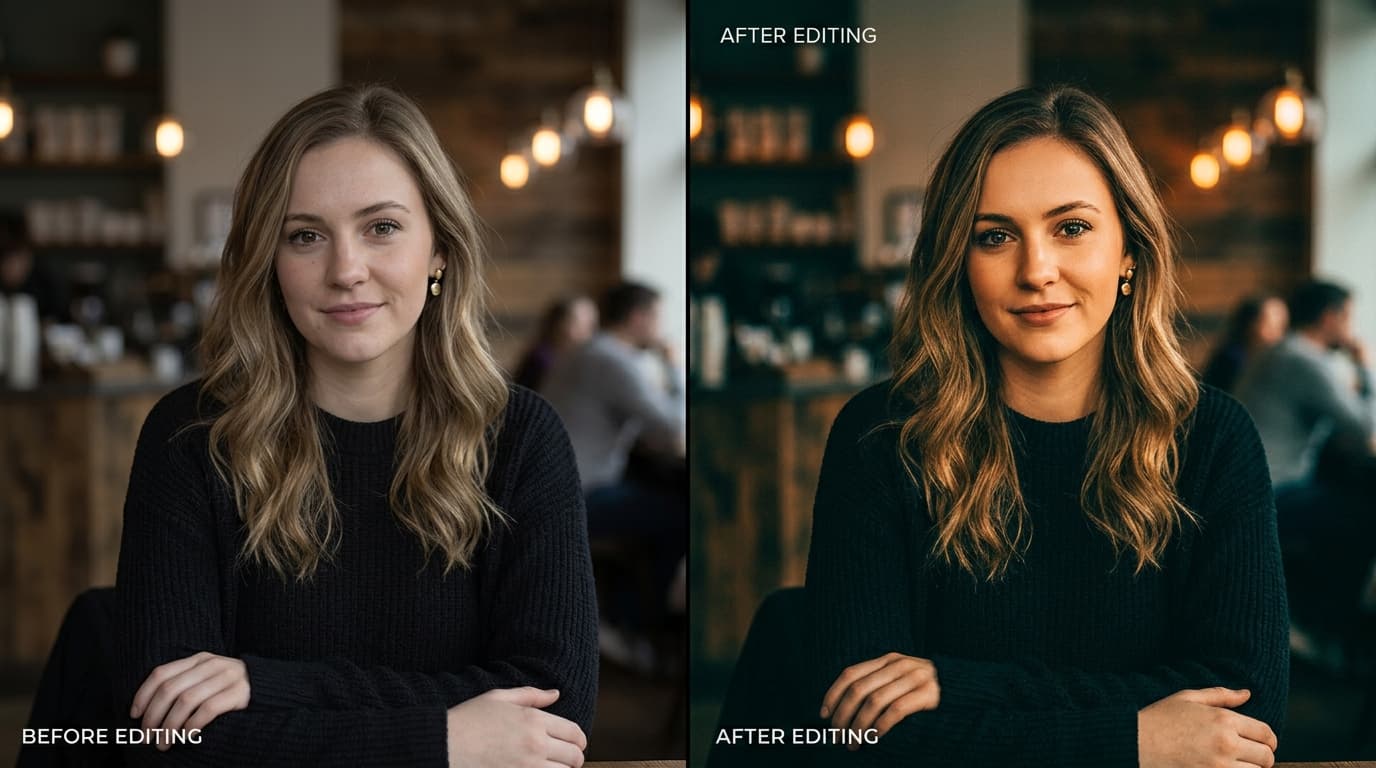
Before vs After Color Grading Preset
Step-by-Step Tutorial Workflow
Step 1: Download DNG Preset Pack
Download the Haldi Master preset package directly from the download box.
Step 2: Import into Lightroom
Open Lightroom, add the DNG file, and copy settings.
Step 3: Paste on Ceremony Photos
Paste onto your Haldi and Sangeet photos. Watch skin tones become clean and radiant while marigold yellows pop.
LuminaEdit VIP Alerts
⚡ 48K+ Active EditorsInstant VN & AI Prompts
🔥 65K+ CreatorsFrequently Asked Questions
Common questions about this editing prompt and workflow.
Most global saturation filters boost yellow and orange together, turning Indian skin unnaturally orange. Our preset isolates skin tone hues using selective HSL color grading.