About this Viral Editing Resource
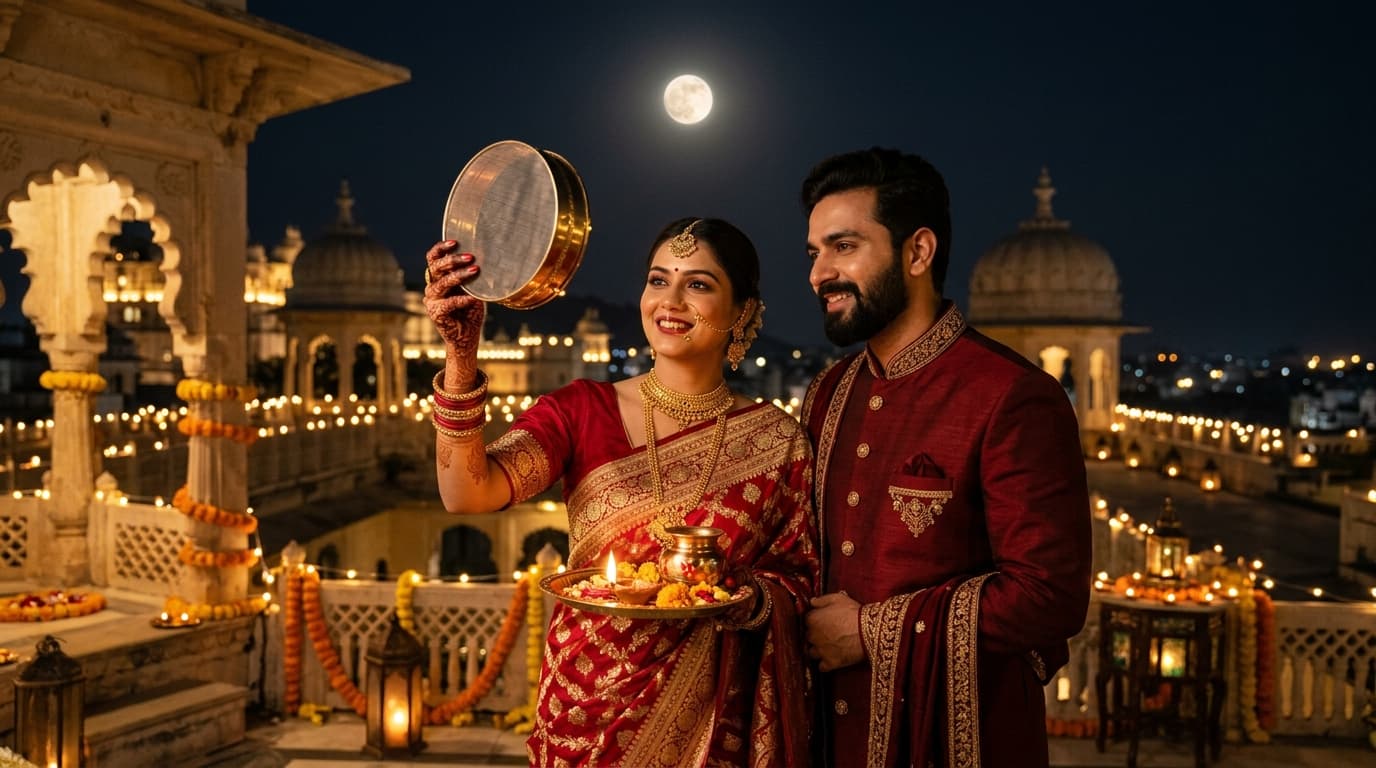
Designed for luxury ethnic portraits, sherwanis, and bridal sarees. Accentuates gold and emerald tones while subduing distracting background clutter into rich moody charcoal.
In recent social media trends across Instagram Reels, TikTok, and YouTube Shorts, creators using this exact style have experienced massive reach and algorithmic engagement. Below you will find the complete workflow, one-click prompts, and free downloadable assets.
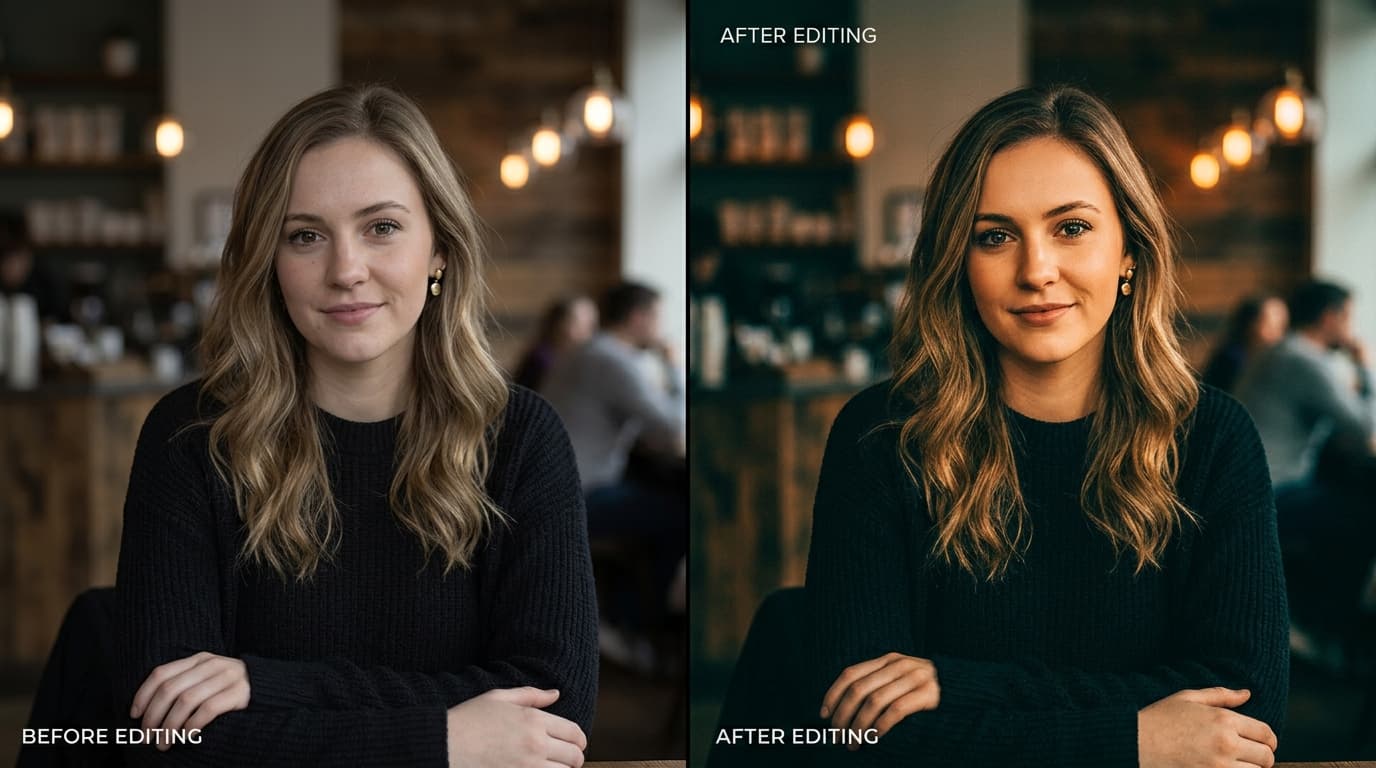
Before vs After Color Grading Preset
Step-by-Step Tutorial Workflow
Step 1: Download DNG Preset
Download the free preset file to your device.
Step 2: Apply to Evening Festive Looks
Paste settings on your Karwa Chauth, Diwali, or Wedding reception couple portraits.
Step 3: Fine-Tune Shadows
Tweak the Shadows slider to +15 if you desire more detail in dark textured fabrics.
LuminaEdit VIP Alerts
⚡ 48K+ Active EditorsInstant VN & AI Prompts
🔥 65K+ CreatorsFrequently Asked Questions
Common questions about this editing prompt and workflow.
Yes, it is calibrated to produce consistent cinematic colors on both iPhone/Android JPEGs and mirrorless camera RAW files.