About this Viral Editing Resource
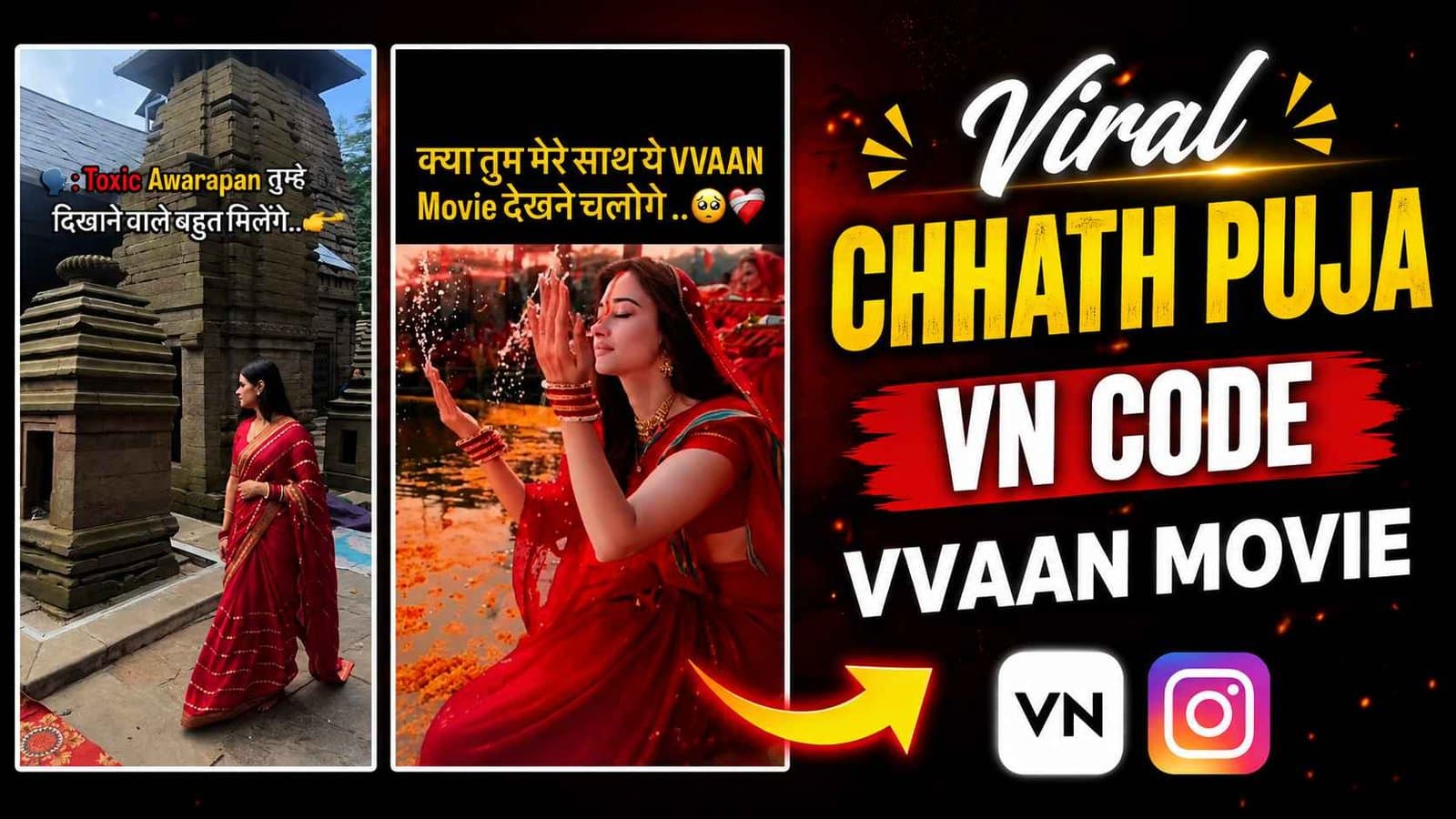
Viral Chhath Puja reel editing inspired by Sidharth Malhotra's Vvaan movie, synced to Pawan Singh's Jal Beech Khada Hoee with devotional slow-mo.
In recent social media trends across Instagram Reels, TikTok, and YouTube Shorts, creators using this exact style have experienced massive reach and algorithmic engagement. Below you will find the complete workflow, one-click prompts, and free downloadable assets.
VN Video Editor QR Code (60 FPS)
Scan directly with VN camera or save to phone gallery

⚡ How to Use This VN Code:
- 1Open VN Video Editor app on Android or iPhone.
- 2Tap the Scan icon [ -|- ] in the top-right corner of VN Home.
- 3Point your camera at this QR code OR tap Photos / Album to select the downloaded image.
- 4Tap “Use Template”, pick your clips, and VN will auto-sync the beats & transitions!
Step-by-Step Tutorial Workflow
Step 1: Scan the Chhath Puja QR Upfront
Scan the prominent QR code above using the VN app camera scanner.
Step 2: Add Walking / Ghat Arghya Clips
Add a clip walking forward, followed by water immersion arghya clips.
Step 3: Auto Cinematic Title
The template overlays the cinematic 'Vvaan Chhath Mahaparv' title font automatically.
Step 4: Export & Upload to Instagram
Export in 60FPS with high bitrate and share with trending Chhath hashtags.
LuminaEdit VIP Alerts
⚡ 48K+ Active EditorsInstant VN & AI Prompts
🔥 65K+ CreatorsFrequently Asked Questions
Common questions about this editing prompt and workflow.
Yes, the VN template automatically animates static photos with smooth 3D slow pans.