About this Viral Editing Resource
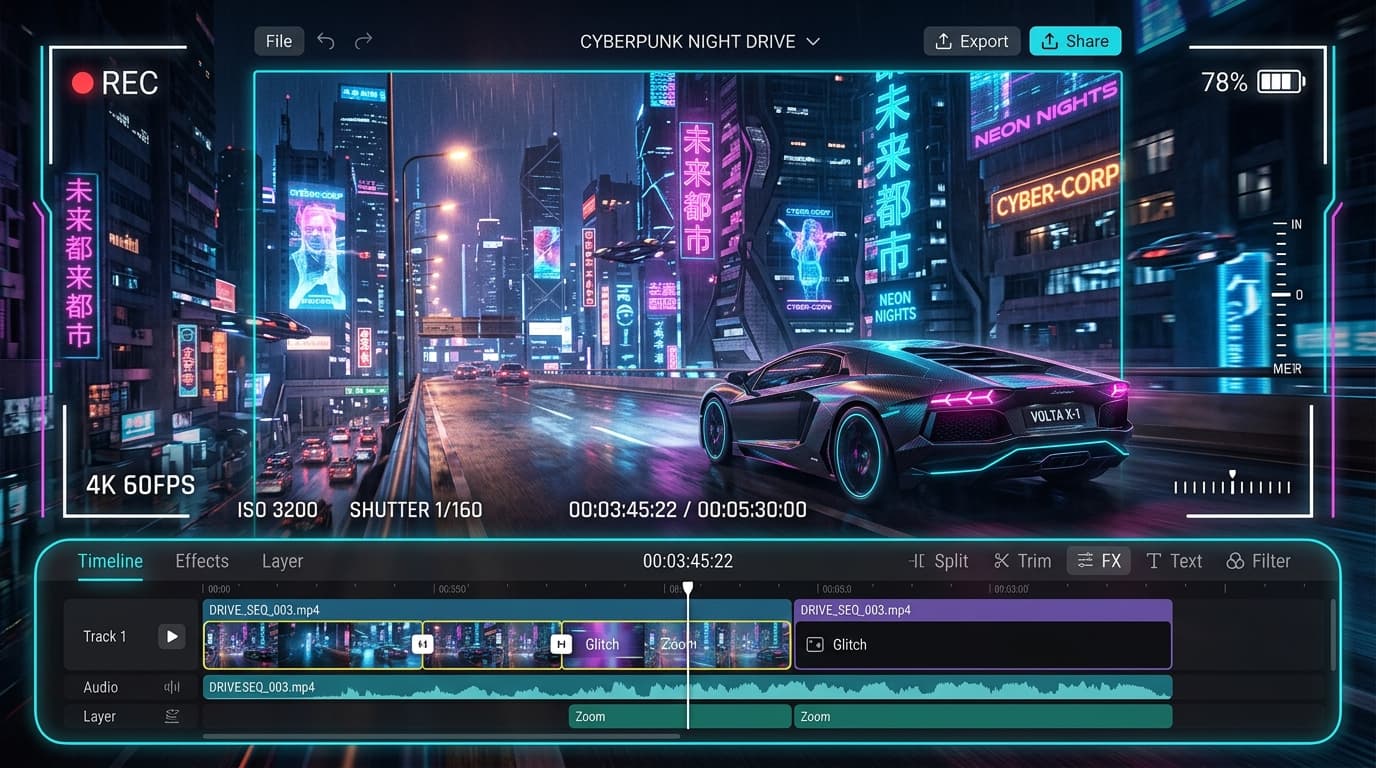
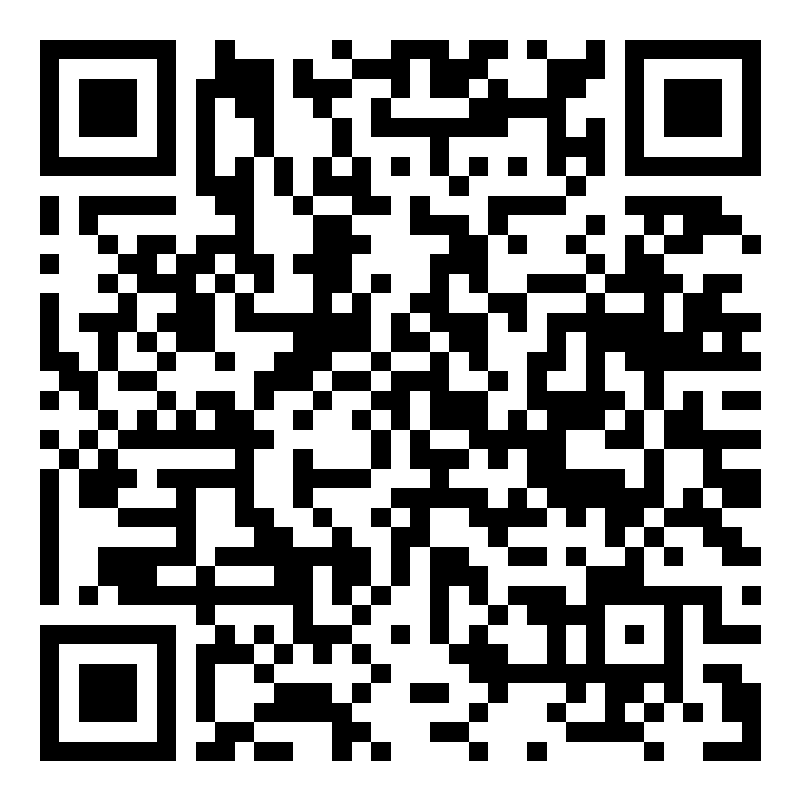
Scan this VN Code to instantly unlock a 60FPS neon city cyber visualizer with speed ramps, shake transitions, and pulse beat markers.
In recent social media trends across Instagram Reels, TikTok, and YouTube Shorts, creators using this exact style have experienced massive reach and algorithmic engagement. Below you will find the complete workflow, one-click prompts, and free downloadable assets.
VN Video Editor QR Code (60 FPS)
Scan directly with VN camera or save to phone gallery
⚡ How to Use This VN Code:
- 1Open VN Video Editor app on Android or iPhone.
- 2Tap the Scan icon [ -|- ] in the top-right corner of VN Home.
- 3Point your camera at this QR code OR tap Photos / Album to select the downloaded image.
- 4Tap “Use Template”, pick your clips, and VN will auto-sync the beats & transitions!
Step-by-Step Tutorial Workflow
Step 1: Open VN Video Editor
Launch VN on your smartphone and tap the three-dots menu or Scan QR icon on top right.
Step 2: Scan QR or Open Template Link
Scan the QR code directly from our download box or click 'Open in VN' to import the timeline directly.
Step 3: Replace 8 Clips
Select your own night drive or lifestyle car clips in sequence to match the keyframe speed ramp.
Step 4: Export in 4K 60FPS
Export with Bitrate set to High (100MB+) for crisp Instagram Reels without compression.
LuminaEdit VIP Alerts
⚡ 48K+ Active EditorsInstant VN & AI Prompts
🔥 65K+ CreatorsFrequently Asked Questions
Common questions about this editing prompt and workflow.
A VN Code is a scannable QR code generated by the VN Video Editor app that bundles pre-timed keyframes, transitions, music beats, and filters into a 1-click importable project.