About this Viral Editing Resource
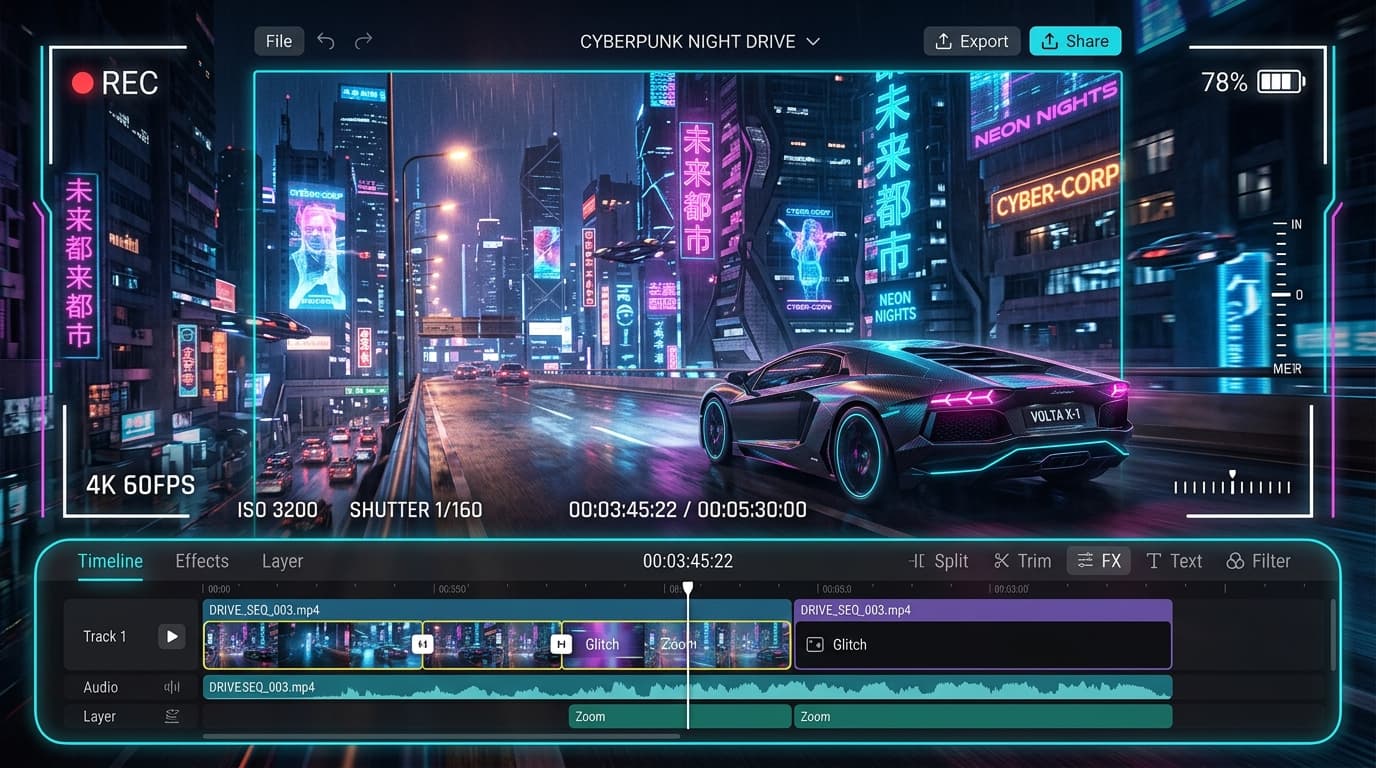
Turn a static supercar photo into an adrenaline-pumping Hollywood action sequence with photorealistic smoke, drift, and dynamic camera angles.
In recent social media trends across Instagram Reels, TikTok, and YouTube Shorts, creators using this exact style have experienced massive reach and algorithmic engagement. Below you will find the complete workflow, one-click prompts, and free downloadable assets.
Viral AI Prompt (1-Click Copy)
Copy this exact prompt and paste it directly into Kling AI / Runway Gen-3 / Flow AI. You can tweak hair colors, lighting, or background locations while keeping the core cinematic structure intact.
Cinematic action camera shot of a sleek black matte hypercar performing a high-speed drift on wet asphalt in a rainy neon metropolis. The car hits a ramp and launches into the air in slow motion, water droplets spraying from the spinning tires with glowing red taillight streaks. Dynamic low-angle tracking shot, hyper-realistic reflections on wet puddles, cinematic motion blur, volumetric smoke, 4k ultra-high definition, 60fps.
Step-by-Step Tutorial Workflow
Step 1: Upload Static Vehicle Photo
Upload a photo of your car or generated hypercar to Kling AI or Runway Gen-3.
Step 2: Add Motion Prompt & Camera Path
Set camera path to 'Pan Up + Zoom In' with camera speed 7. Paste the prompt above.
LuminaEdit VIP Alerts
⚡ 48K+ Active EditorsInstant VN & AI Prompts
🔥 65K+ CreatorsFrequently Asked Questions
Common questions about this editing prompt and workflow.
Kling 1.5 and Runway Gen-3 Alpha excel at fluid dynamics like tire smoke, rain spray, and realistic asphalt puddles.