About this Viral Editing Resource
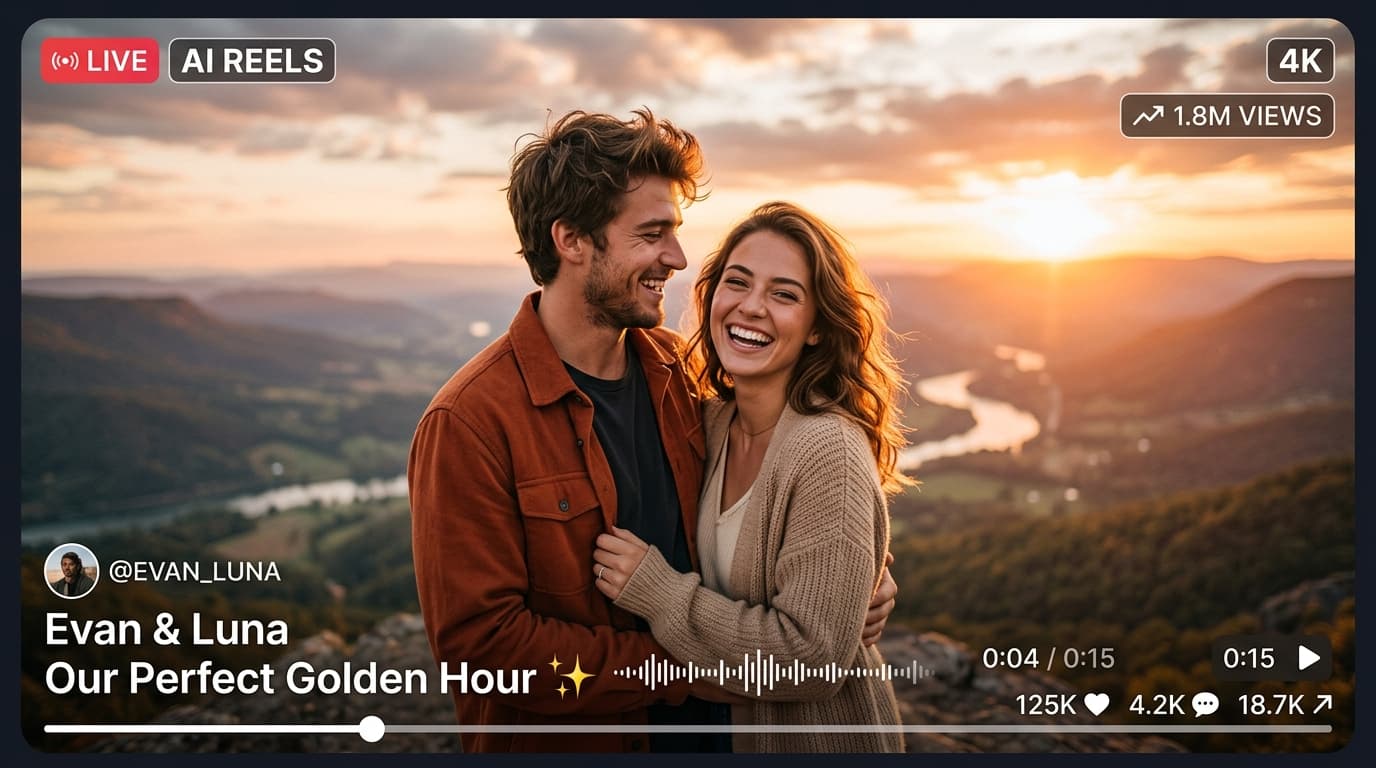
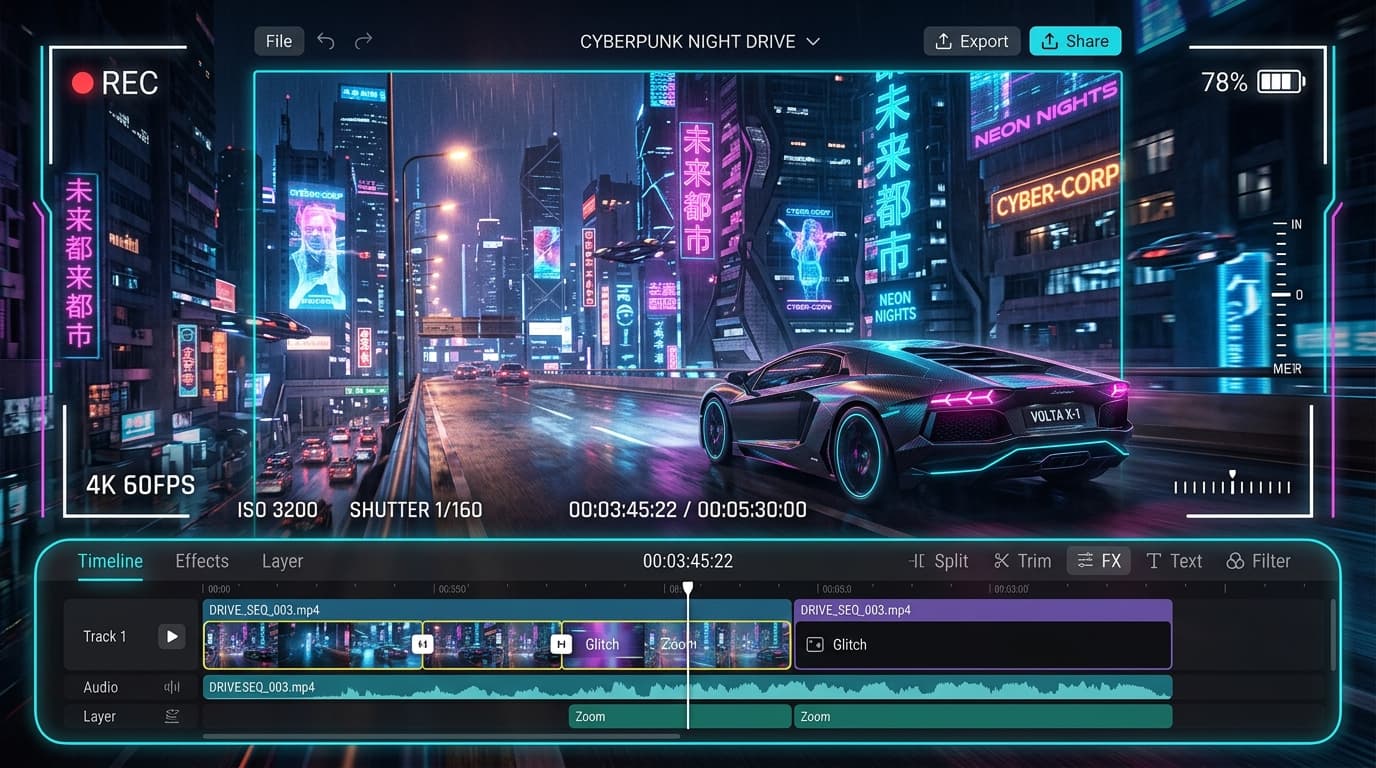
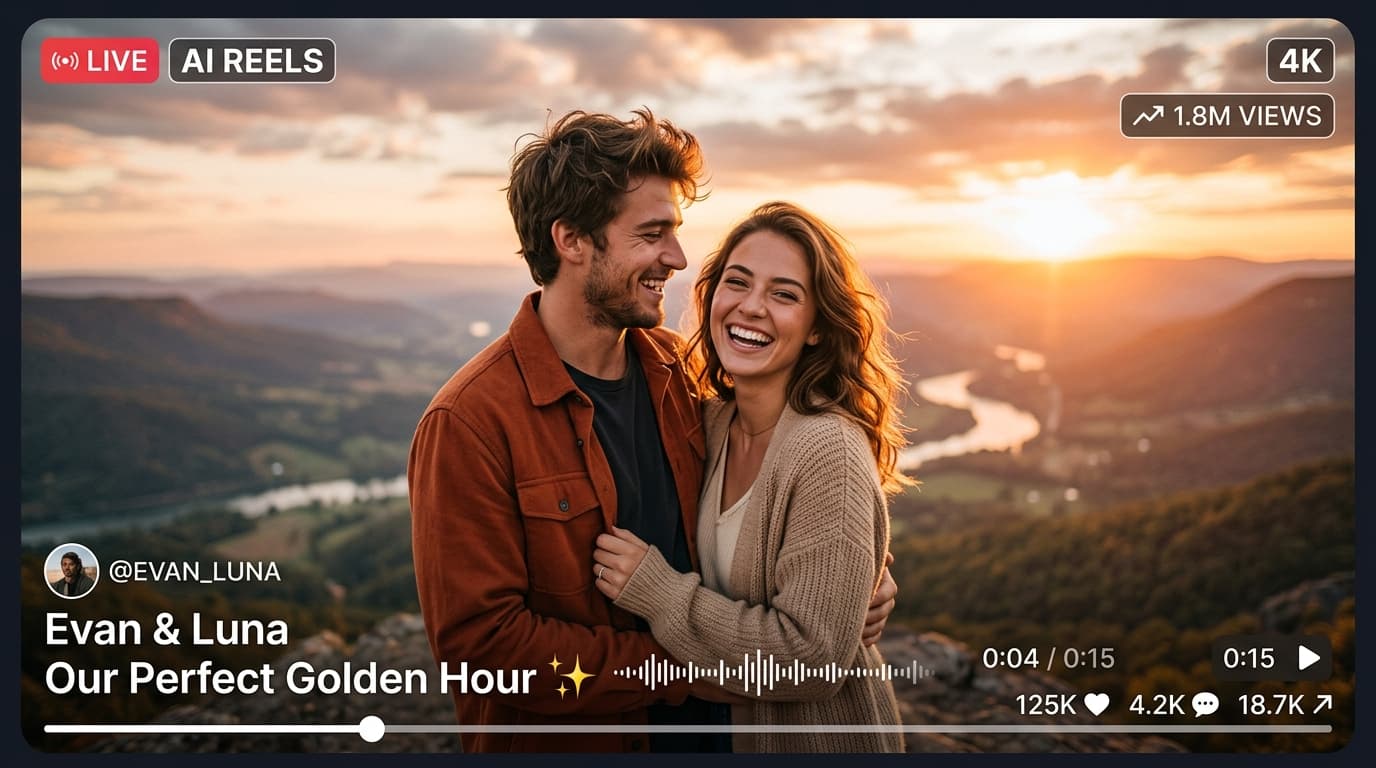
Viral 3D parallax photo zoom template that turns simple photos into dynamic moving 3D camera scenes with depth and lighting effects.
In recent social media trends across Instagram Reels, TikTok, and YouTube Shorts, creators using this exact style have experienced massive reach and algorithmic engagement. Below you will find the complete workflow, one-click prompts, and free downloadable assets.
CapCut Trending Template (1-Click Edit)
Tap below to open directly in CapCut app with auto velocity sync
⚡ How to Use in CapCut:
- 1Make sure you have the CapCut App installed (use VPN if in restricted regions).
- 2Tap the red/white “Use Template in CapCut” button above.
- 3The template will open inside CapCut. Tap “Use Template” in the bottom right corner.
- 4Select your clips/photos and tap “Export without Watermark”!
Step-by-Step Tutorial Workflow
Step 1: Click Use Template
Launch the 3D Zoom template in CapCut.
Step 2: Add 5 Photos
Select solo portraits, festive shots, or travel pictures.
Step 3: Auto 3D Depth Generation
CapCut separates foreground subjects and creates camera dolly zoom.
Step 4: Export & Share
Export in 1080p 60fps.
LuminaEdit VIP Alerts
⚡ 48K+ Active EditorsInstant VN & AI Prompts
🔥 65K+ CreatorsFrequently Asked Questions
Common questions about this editing prompt and workflow.
No, CapCut's AI segmentation detects depth automatically.