About this Viral Editing Resource
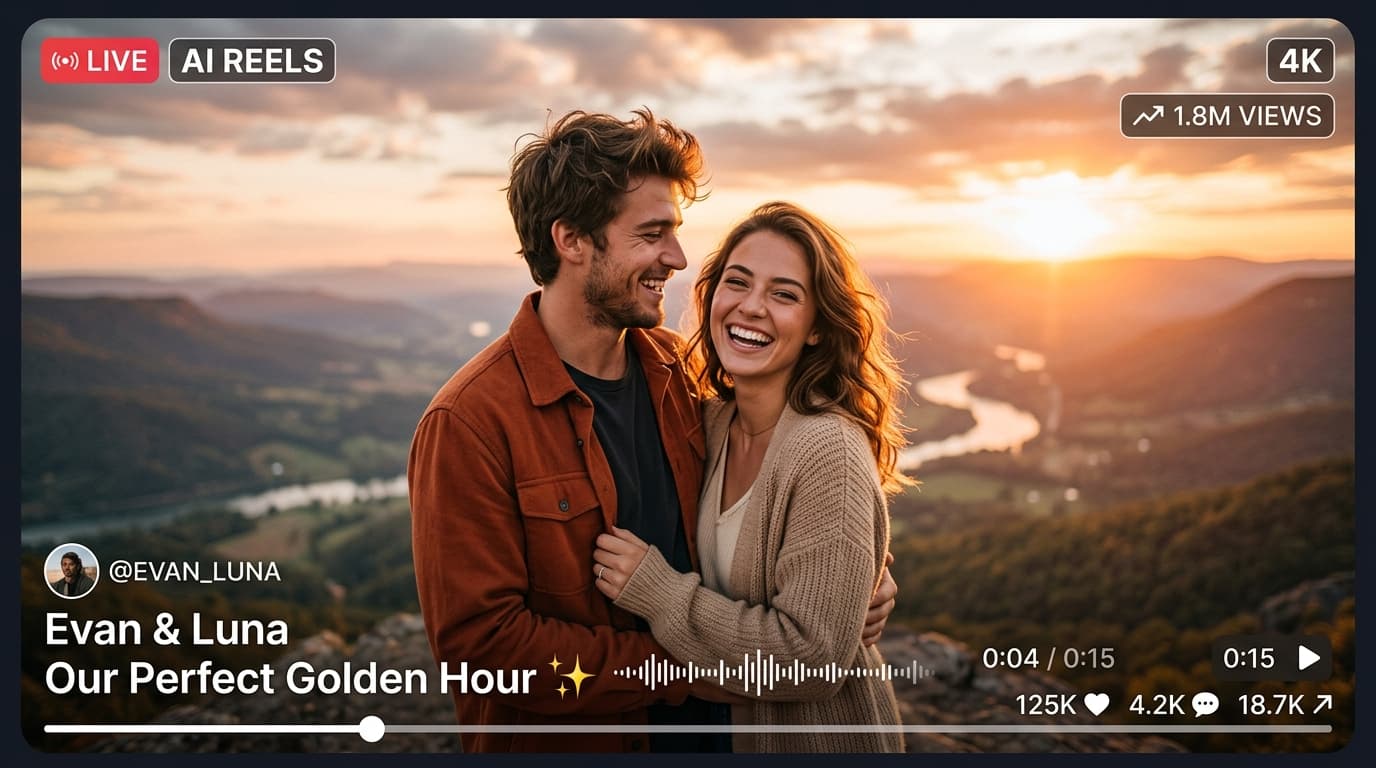
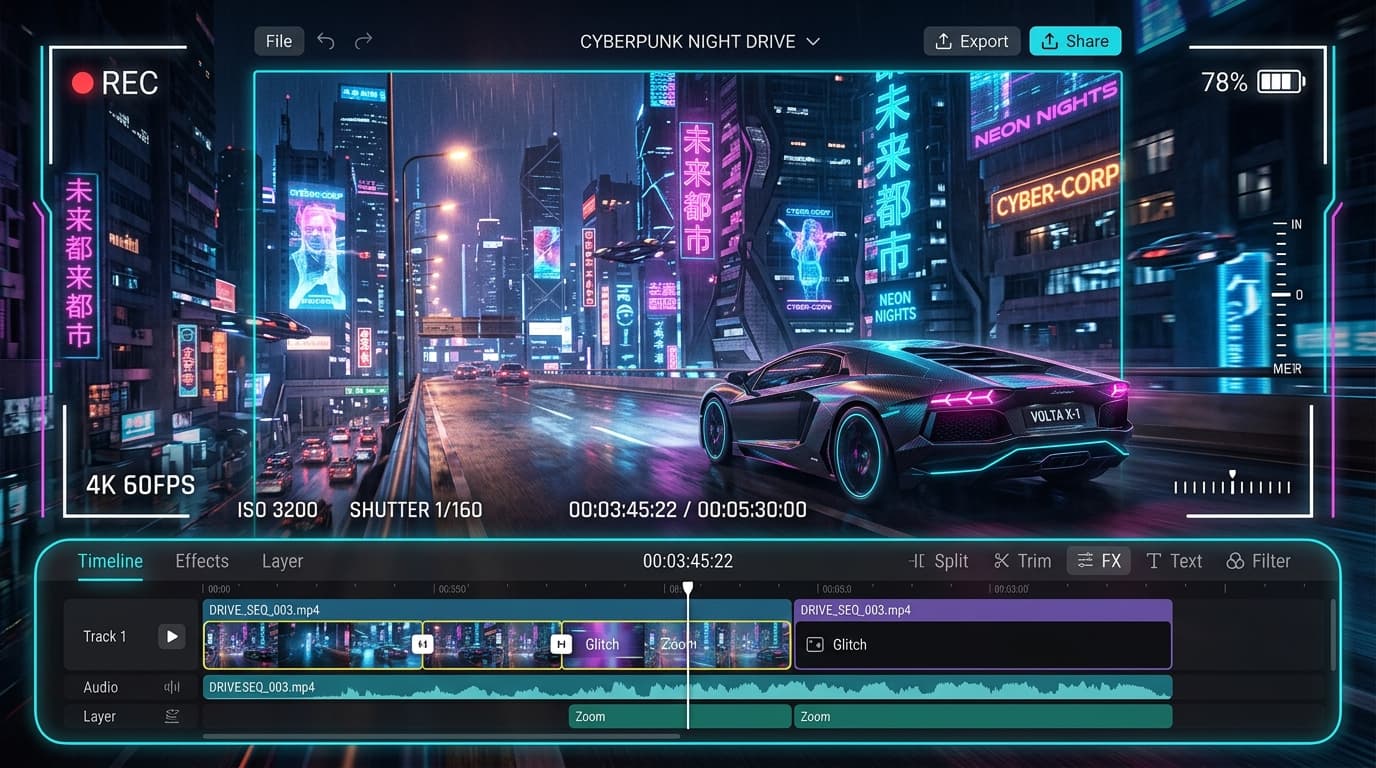
Trending reel template with fast-paced velocity ramps, yellow petal splash transitions, and bass drop sync for family and couple wedding celebrations.
In recent social media trends across Instagram Reels, TikTok, and YouTube Shorts, creators using this exact style have experienced massive reach and algorithmic engagement. Below you will find the complete workflow, one-click prompts, and free downloadable assets.
CapCut Trending Template (1-Click Edit)
Tap below to open directly in CapCut app with auto velocity sync
⚡ How to Use in CapCut:
- 1Make sure you have the CapCut App installed (use VPN if in restricted regions).
- 2Tap the red/white “Use Template in CapCut” button above.
- 3The template will open inside CapCut. Tap “Use Template” in the bottom right corner.
- 4Select your clips/photos and tap “Export without Watermark”!
Step-by-Step Tutorial Workflow
Step 1: Open CapCut Template Link
Click the deep link below from your smartphone to launch CapCut directly.
Step 2: Pick 8 Haldi Celebration Clips
Select cheerful candid clips of turmeric applying, flower showers, and dance moments.
Step 3: Export in 1080p 60FPS
Export without watermark and post directly to Instagram Reels with trending Shaadi audio.
LuminaEdit VIP Alerts
⚡ 48K+ Active EditorsInstant VN & AI Prompts
🔥 65K+ CreatorsFrequently Asked Questions
Common questions about this editing prompt and workflow.
Yes, you can mute the template audio in CapCut and overlay any trending Hindi wedding song.